Click on your picture in the top right of the screen and select logout.
Make sure all the Bromcom windows are closed.
Log back in using Microsoft Single Sign On.
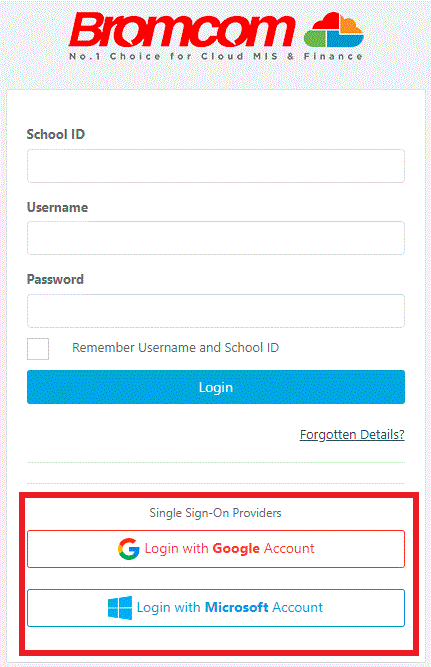
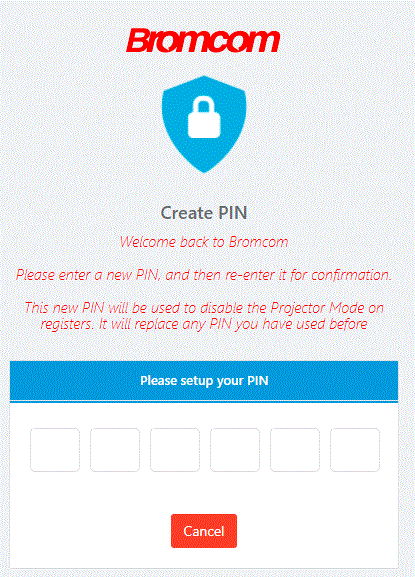
This will prompt you to create a new six digit Pin.
You will be asked to confirm the Pin once more.
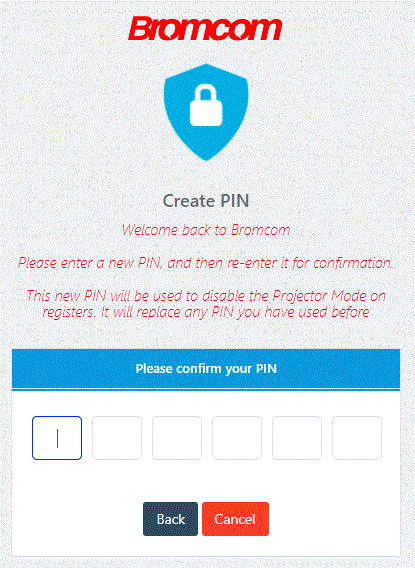
After confirming the Pin, you will automatically be taken through to the MIS and your new Pin will be saved, concluding the process.
IT Support.
Was this article helpful?
That’s Great!
Thank you for your feedback
Sorry! We couldn't be helpful
Thank you for your feedback
Feedback sent
We appreciate your effort and will try to fix the article